Workshops
One focused session, from team kick-off to hands-on build.
Best forGetting started
Hands-on training built around the work your team does every day.
30 minutes. No obligation.
Example training sessions. Marketing team, campaign content: your team leaves with your style guide turned into a reusable prompt, a way to turn one brief into channel-ready drafts, and a checklist for fact-checking AI copy. Finance team, month-end reporting: prompts for drafting variance commentary, a safe way to analyse spreadsheets with AI, and rules for checking every number AI gives you. Sales team, proposals and follow-ups: a first-draft proposal workflow using your past wins, follow-up emails drafted from call notes, and clear rules on what client data stays out of AI. Operations team, processes and documentation: meeting notes turned into actions and owners, step-by-step guides drafted from rough notes, and a shared library of team prompts. HR team, policies and hiring: job descriptions drafted from a short brief, policy drafts in plain English, and guidance on using AI fairly in hiring.
We’ll agree the right format with you on the first call.
One focused session, from team kick-off to hands-on build.
Best forGetting started
A few weeks of training built around each team’s real work.
Best forCompany-wide adoption
We build AI into the tools you already use, once your team is ready.
Best forMaking it stick
We look at your team’s tools and day-to-day work.
We pick the tasks where AI will help most.
Hands-on sessions built on your real work.
Follow-up support so it becomes a habit.
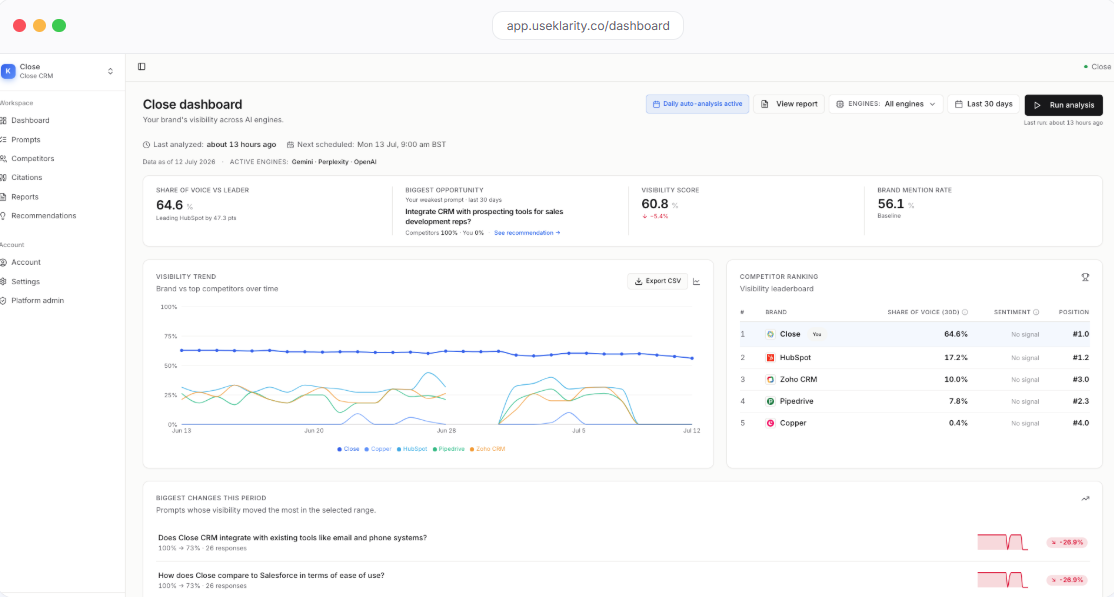
Klarity is our own live AI software. Every day it puts questions to ChatGPT, Gemini and Perplexity, analyses the answers and turns them into reports. Everything we teach draws on building and running real AI work every day.
Practical, hands-on sessions, in person or online. Your people work on their own tasks with the AI tools you already have, and leave with prompts, guides and workflows they can keep using.
Anyone in your business, from leadership to the newest starter. No technical background is needed. We tailor each session to the people in the room and the work they do, and also run short briefings for leadership teams.
Usually, yes. Training helps people get far more from the tools they already use, and gets everyone working to the same safe, consistent standard.
Whichever your business uses or is choosing. Often that’s Microsoft 365 Copilot or Google Gemini, alongside tools like ChatGPT and Claude. We’re tool-agnostic and will help you choose if you haven’t yet.
It depends on the size of your team and the sessions you need, so we price after a first call. Every engagement is quoted in full before work starts.
Yes. When a task needs more than good prompting, we build AI into the tools your team already uses, test it on real work and look after it once it’s live. Many clients start with training and move on to implementation.
No. The aim is to take repetitive drafting and admin off your people, so they spend more time on the work that needs them.
Safe use of AI is part of every training programme. We cover what should and shouldn’t go into AI tools, and recommend business plans that don’t train AI models on your data. For implementation, we agree in writing what AI can and can’t access before anything goes live.